TRAZO
A local pipeline that turns a text file into a one-minute vertical video explaining a technical concept, with narration, programmed animation and automatic quality checks.
What you see
A short video that explains a technical concept with animation, my voice and subtitles, made for someone who has never programmed. I publish them on YouTube, TikTok and Instagram.
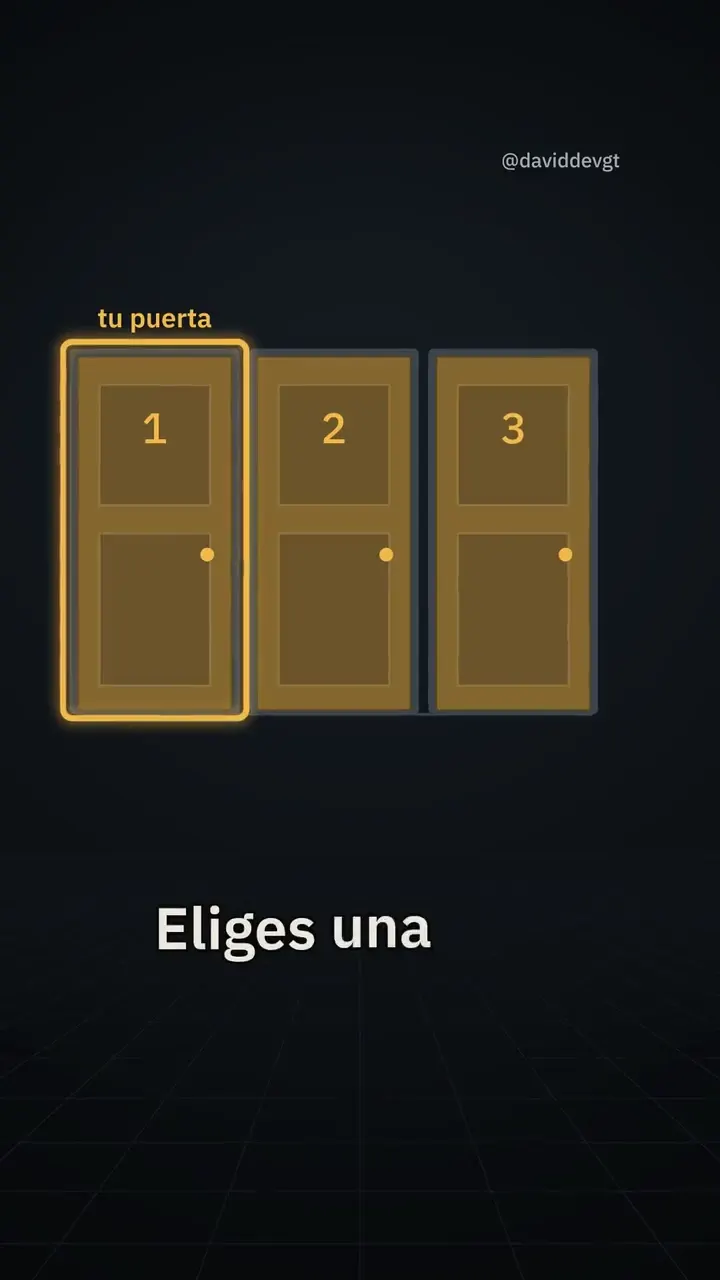
00:00 / 01:24
The Monty Hall problem
Three doors, one prize and one question: does switching doors change your odds?
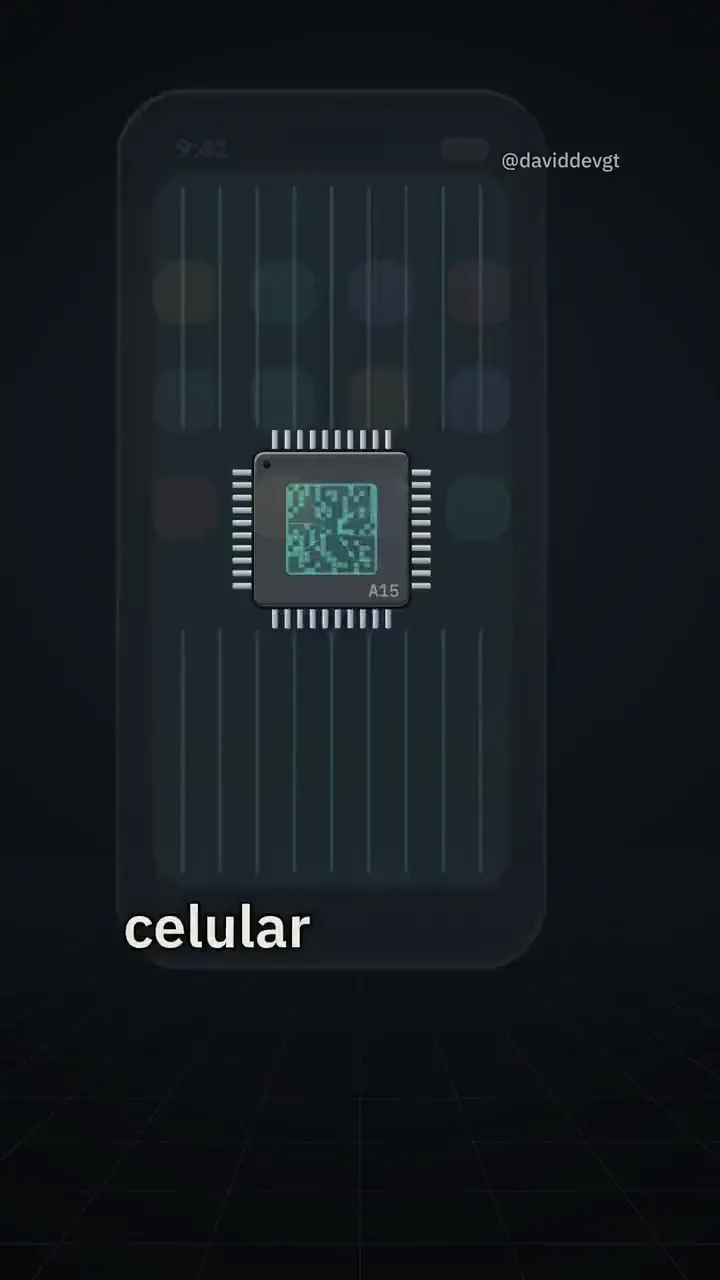
00:00 / 02:40
How does a transistor work?
A small voltage decides whether current flows or not, and that is how computers are built.
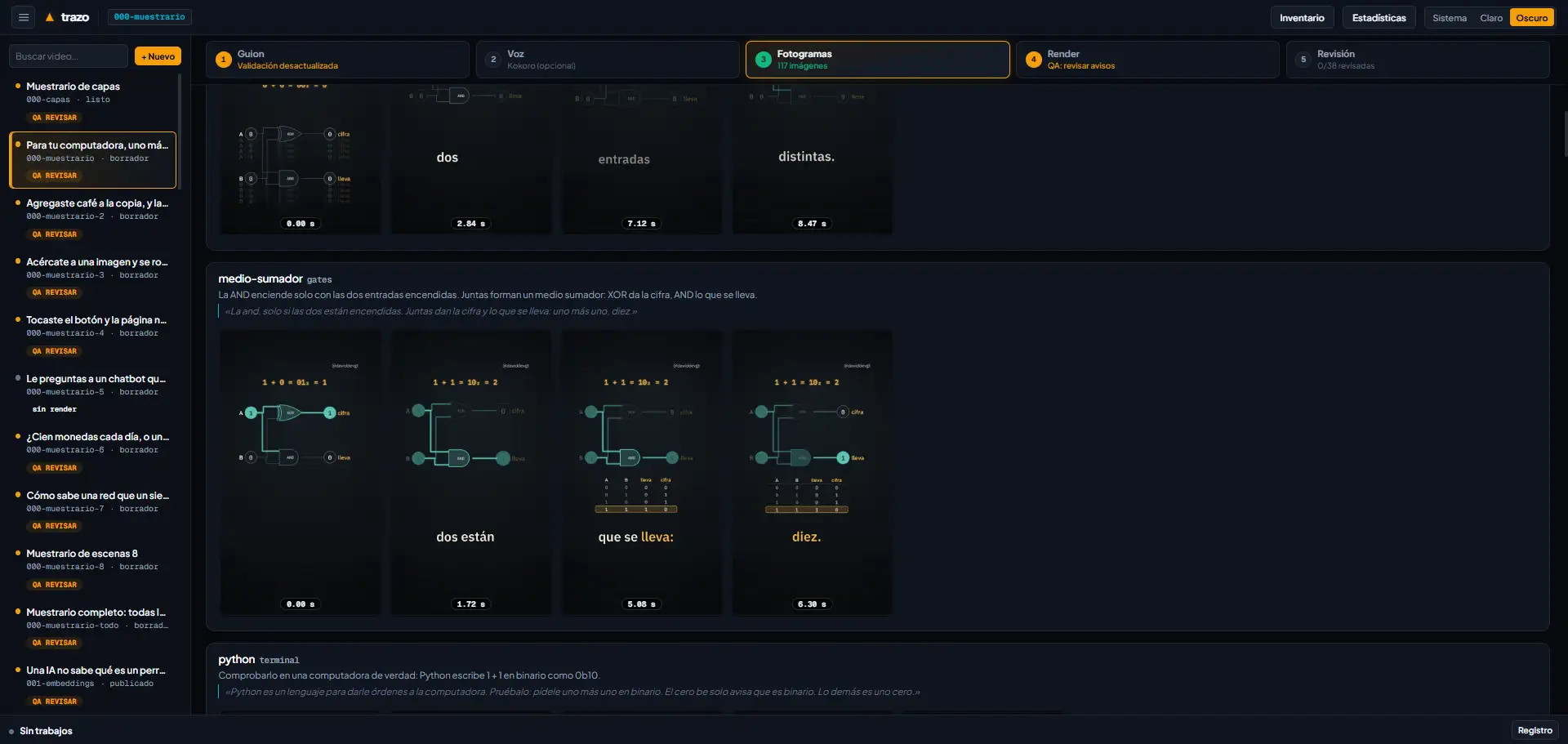
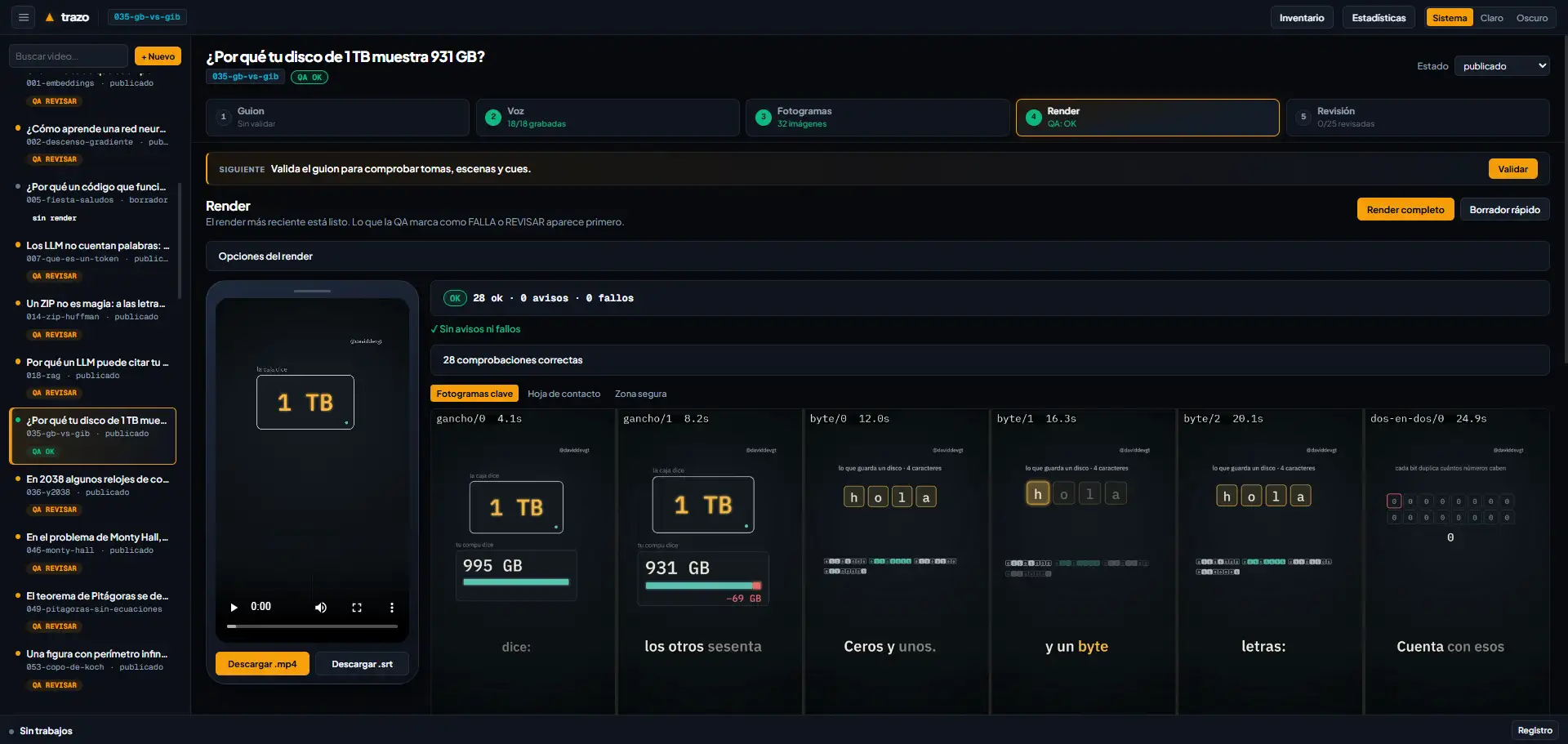
Architecture
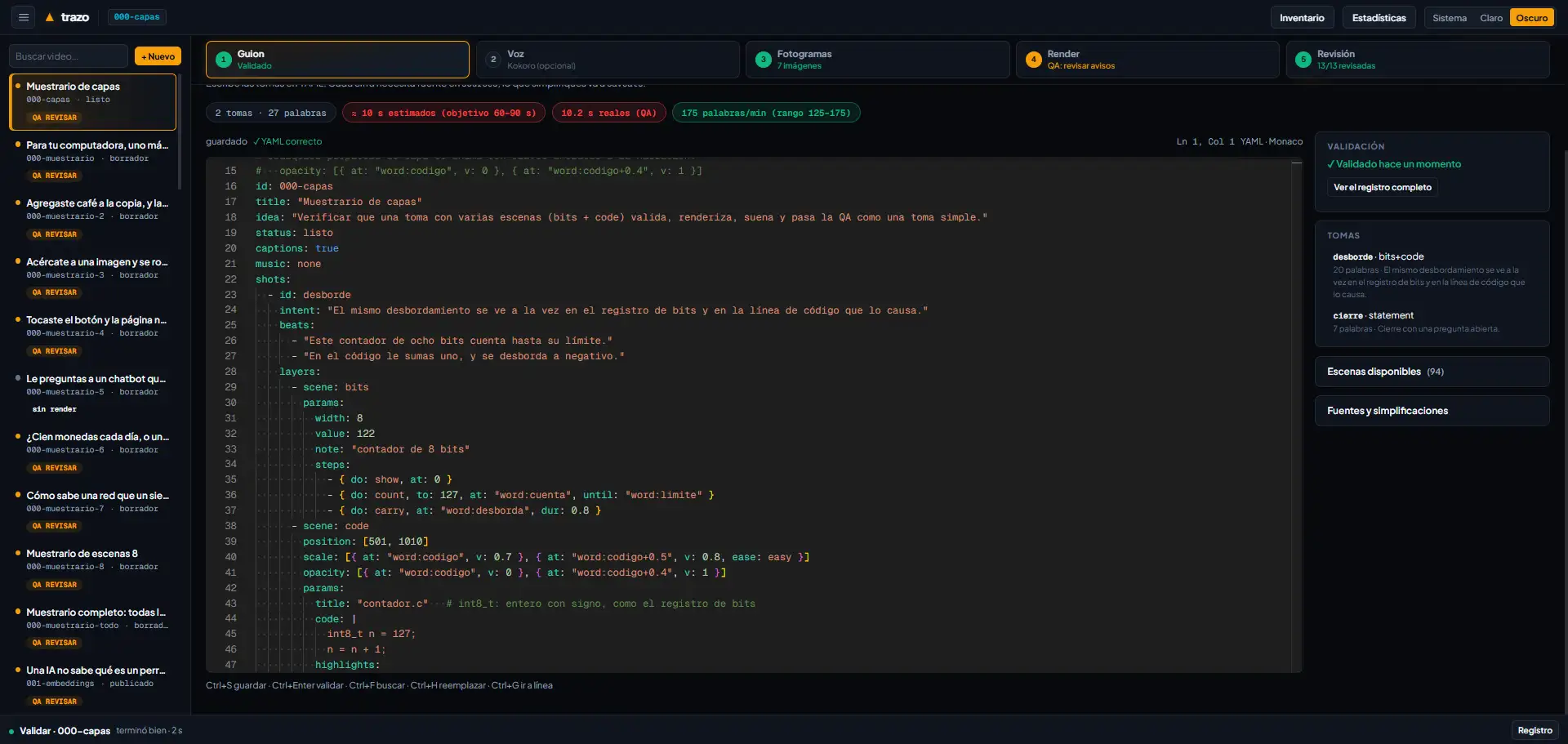
A video is a text file with its shots, lines and scenes. Everything else is generated from that file, so a changed line shows up in both the narration and the animation without touching anything else.
Script and storyboardYAML
Each video lives in one file with its shots, lines, scenes and parameters. A JSON schema validates the structure before any time is spent rendering.
NarrationMy microphone and Kokoro
I record the narration with my microphone and the pipeline aligns it word by word with the animation. Kokoro can also generate a voice with those same timings.
Scene engineNode.js and skia-canvas
Draws each 1080×1920 frame at 30 fps as a pure function of time. That is why every scene can be tested and repeated.
Audio and mixingFFmpeg
Mixes the voice with sound effects and a music bed synthesized from the scene's events, normalizes the loudness and exports the MP4 and the subtitles.
Quality controlPython
Checks the format, the sound, whether text stays inside the safe zone, the pacing and the loop ending. It flags failures and warnings before a person reviews the video.
- KokoroA voice generated locally, as an alternative to my recording
- skia-canvas2D rasterizing of each frame
- FFmpegEncoding, mixing and subtitles
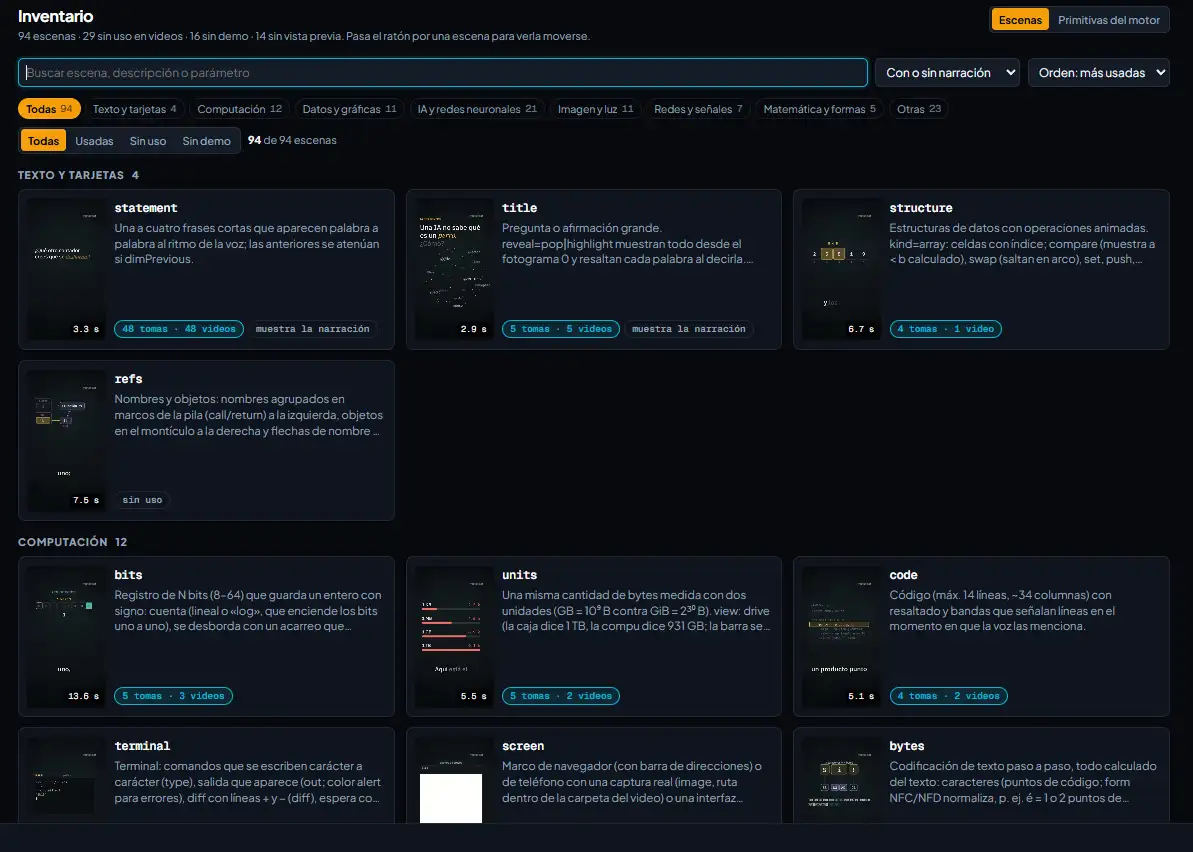
- Local interfaceA browser panel that runs the same pipeline commands
The text is the source of truth
Only the video file is edited by hand. Everything generated is rebuilt from scratch, so the script always describes faithfully what is seen and heard.
Every stimulus has a reason
A zoom, a sound or an appearance matches something said in the narration. There are no decorative effects, because an effect with no meaning distracts from the explanation.
Same script, same video
Each frame depends only on time, not on randomness or earlier state. The result is reproducible, and a change in one scene does not alter the others.
The challenge
Explaining a technical topic to someone who has never programmed, in 60 to 90 seconds, without the video turning into a sequence of text cards. And doing it with a tool that can repeat the same result every time.
What's behind it
- The video is written as text. Shots, lines and scenes live in one file, and the rest is generated from it.
- The narration is my voice, recorded with a microphone, with word-level timings so each animation lines up with what is said.
- Each scene is a JavaScript module that draws with Canvas 2D on Skia. The figures shown on screen are calculated from the data being drawn.
- Sound effects and the music bed are synthesized from the scene's events, so every sound matches something happening on screen.
- Before delivery, automatic QA checks format, sound, text inside the safe zone, pacing and the loop ending.
- A person reviews the pronunciation and the clarity of the explanation before publishing.
Decisions and trade-offs
- Human review before publishing. It is slower, but the engine cannot tell whether an explanation is clear to someone starting from zero.
- Everything runs locally, with my own voice. I do not depend on cloud services, and in exchange each video takes the time to record by hand.
- Scenes are programmed instead of using a video editor. Each animation needs code, but it can be tested, versioned and repeated.
- Every term is explained inside the same video. The script gets longer, but each video makes sense on its own, without relying on earlier ones.